
VisTitle Express Titler for EDIUS 11: Complete Professional Guide
Creating clean and professional titles is an essential part of modern video editing. Whether you’re producing wedding films, corporate presentations, YouTube videos, or broadcast content, well-designed titles help communicate information clearly and make your videos look more polished. However, many built-in titling tools offer only limited customization, making it difficult to achieve a professional finish.
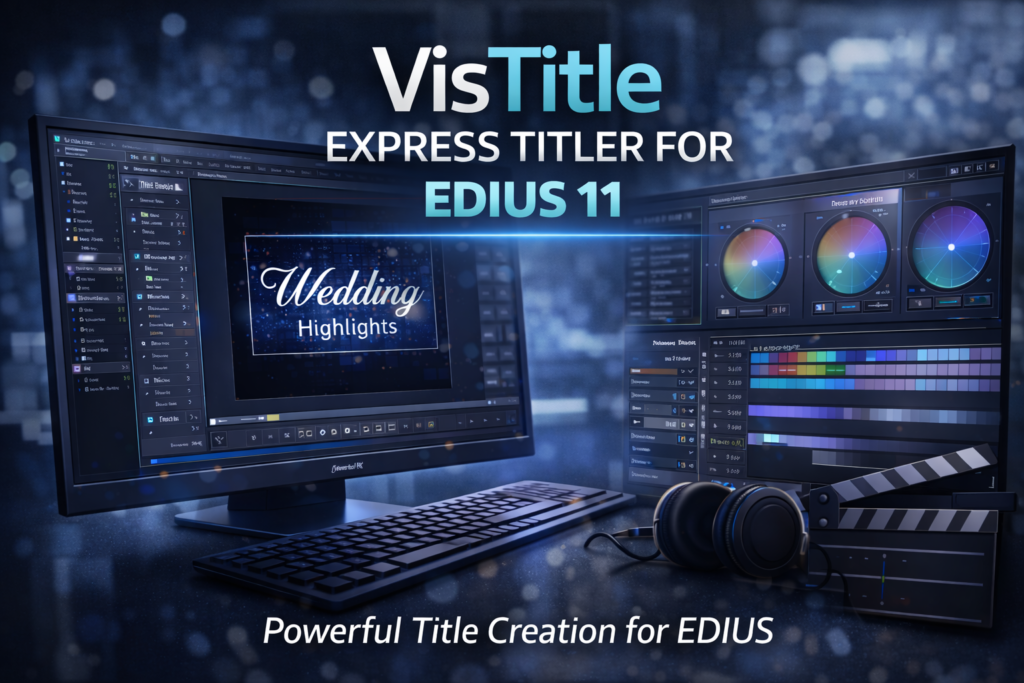
Fortunately, VisTitle Express Titler for EDIUS 11 is designed to simplify title creation while maintaining broadcast-quality results. Not only does it integrate seamlessly with EDIUS 11, but it also provides powerful text editing tools, flexible layouts, and smooth animations. As a result, editors can create eye-catching titles without interrupting their editing workflow.
In this guide, you’ll learn what VisTitle Express is, how it works, its key features, practical use cases, and why it’s one of the best titling solutions for EDIUS 11.
What Is VisTitle Express Titler for EDIUS 11?
VisTitle Express is a professional titling plugin developed specifically for EDIUS users. Unlike basic text generators, it works directly inside EDIUS 11, allowing editors to create and edit titles without leaving the timeline.
Furthermore, VisTitle Express focuses on speed, precision, and creative flexibility. It supports a wide variety of title styles suitable for:
- News broadcasts
- Wedding videos
- Corporate presentations
- Educational content
- YouTube videos
- Social media projects
Consequently, editors can maintain a consistent visual style across every project.
Why VisTitle Express Titler for EDIUS 11 Matters
Titles are more than just text on the screen. In fact, they play a major role in storytelling, branding, and audience engagement. Well-designed titles improve readability, while poorly designed ones can distract viewers.
Therefore, many professional editors choose VisTitle Express to create polished and visually appealing titles.
Key Benefits
- Seamless integration with EDIUS 11
- Faster title creation
- Professional typography controls
- Precise alignment and spacing
- Consistent branding across projects
As a result, editors save valuable time while improving the overall quality of their videos.
Core Features of VisTitle Express for EDIUS 11
VisTitle Express includes a wide range of features designed for professional production environments. Additionally, these tools are simple enough for beginners while offering advanced controls for experienced editors.
Easy Title Creation
Creating titles is fast and straightforward.
Features include:
- Simple user interface
- Drag-and-drop text elements
- Quick text replacement
- Real-time preview
Because everything updates instantly, editors can experiment with different styles without slowing down their workflow.
Professional Typography Controls
Professional-looking titles require more than selecting a font.
VisTitle Express provides:
- Advanced font controls
- Kerning adjustments
- Character spacing
- Line spacing
- Alignment tools
- Shadow effects
- Outline customization
Consequently, every title appears balanced, readable, and visually appealing.
Advanced Title Design Capabilities
Layer-Based Text Editing
Professional title design often requires multiple text elements. Fortunately, VisTitle Express supports multiple text layers within a single title.
Editors can easily combine:
- Main titles
- Subtitles
- Names
- Logos
- Additional graphics
As a result, complex title layouts become much easier to create.
Smooth Text Animation
Static titles sometimes lack visual impact. Therefore, VisTitle Express includes several animation tools that add movement without overwhelming the viewer.
These include:
- Fade animations
- Position controls
- Opacity adjustments
- Timeline-based animation
Although the animations are simple, they create a polished and professional appearance.
How VisTitle Express Works Inside EDIUS 11
One of the biggest advantages of VisTitle Express is its seamless workflow.
Simple Workflow
- Open your EDIUS 11 project.
- Select VisTitle Express from the Effects panel.
- Launch the title editor.
- Customize the text, fonts, colors, and layout.
- Apply the title directly to the timeline.
- Preview the results instantly.
- Continue editing without exporting to another application.
Overall, this workflow keeps the entire editing process efficient and organized.
Real-World Use Cases
News and Broadcast Production
News editors often work under strict deadlines.
Therefore, VisTitle Express helps create:
- Lower thirds
- Reporter names
- Headlines
- Breaking news graphics
Consequently, broadcasters can deliver professional-looking content more quickly.
Wedding and Event Videos
Wedding films rely heavily on elegant typography.
Editors commonly use VisTitle Express to display:
- Couple names
- Wedding dates
- Location information
- Emotional quotes
Moreover, smooth text animations help create a cinematic viewing experience.
YouTube and Social Media Content
Online creators need attractive titles to capture viewers’ attention.
For example, they use VisTitle Express for:
- Video intros
- Chapter titles
- Call-to-action graphics
- Channel branding
As a result, videos appear more professional and engaging.
Corporate Presentations
Businesses frequently use titles to communicate important information.
VisTitle Express helps create:
- Employee introductions
- Product presentations
- Training materials
- Company branding
Likewise, consistent typography reinforces a professional company image.
VisTitle Express vs Default EDIUS Titler
| Feature | VisTitle Express | Default EDIUS Titler |
|---|---|---|
| Ease of Use | Excellent | Good |
| Font Controls | Advanced | Basic |
| Animation Options | Extensive | Limited |
| Workflow Speed | Fast | Moderate |
| Professional Results | Excellent | Basic |
Clearly, VisTitle Express provides significantly more creative flexibility than the default EDIUS title tool.
Performance and Compatibility
Performance is essential during professional editing.
Fortunately, VisTitle Express is optimized specifically for EDIUS 11.
Benefits include:
- Low system resource usage
- Smooth timeline playback
- Stable rendering
- Responsive editing
Therefore, even editors using mid-range computers can enjoy a reliable editing experience.
Installation and Setup
Installing VisTitle Express takes only a few minutes.
Installation Steps
- Download the official installer.
- Install VisTitle Express.
- Launch EDIUS 11.
- Open the Effects panel.
- Start creating professional titles.
Once installed, the plugin integrates automatically into the EDIUS workflow.
Pros and Cons
Pros
- Easy to learn
- Professional title quality
- Excellent typography controls
- Smooth workflow
- Fast editing
- Perfect EDIUS integration
Cons
- Requires a licensed version
- Limited advanced 3D title effects
Nevertheless, these limitations are minor compared to the overall benefits the plugin offers.
Tips for Creating Better Titles
To produce professional-looking titles:
- Use readable fonts.
- Keep titles concise.
- Maintain consistent typography.
- Align text within safe areas.
- Use animations sparingly.
- Save reusable title templates.
Additionally, preview your titles on different screen sizes to ensure readability.
Frequently Asked Questions
What is VisTitle Express Titler for EDIUS 11?
It is a professional titling plugin designed specifically for EDIUS 11.
Is it beginner-friendly?
Yes. In fact, its intuitive interface allows beginners to create professional titles quickly.
Can I use it for commercial projects?
Absolutely. Therefore, many production companies, broadcasters, and freelancers use it daily.
Does VisTitle Express slow down EDIUS?
No. Instead, it is optimized for smooth playback and efficient performance.
Is VisTitle Express better than the default EDIUS title tool?
Yes. Overall, it provides better typography controls, faster workflows, and more professional design options.
WordPress SEO Optimization
Suggested Image Alt Text
- VisTitle Express Titler for EDIUS 11 interface
- Professional titles using VisTitle Express for EDIUS
- EDIUS 11 VisTitle Express title editor
- Broadcast title creation in EDIUS
- Video title editing with VisTitle Express
Internal Linking Ideas
Improve SEO by linking to:
- Best EDIUS 11 Plugins
- EDIUS 11 Editing Tips and Tricks
- Professional Video Editing Workflow Guide
- NewBlue EDIUS Effects
- Auto Color Correction in EDIUS 11
External Resource Suggestions
For additional information, consider linking to:
- Grass Valley EDIUS Official Website
- VisTitle Official Website
- Professional Typography Guidelines
- Broadcast Design Best Practices
Final Thoughts
VisTitle Express Titler for EDIUS 11 is an excellent solution for editors who need professional-quality titles without adding unnecessary complexity to their workflow. Not only does it provide advanced typography tools and flexible animations, but it also integrates perfectly with EDIUS 11 for a seamless editing experience.
Moreover, its intuitive interface allows both beginners and professionals to create polished titles quickly and consistently. Whether you’re producing wedding films, news broadcasts, YouTube videos, or corporate presentations, VisTitle Express helps you create visually appealing titles that enhance the overall production quality.
Ultimately, if you want to improve your editing workflow, strengthen your branding, and produce broadcast-quality titles with less effort, VisTitle Express Titler for EDIUS 11 is a worthwhile addition to your editing toolkit.