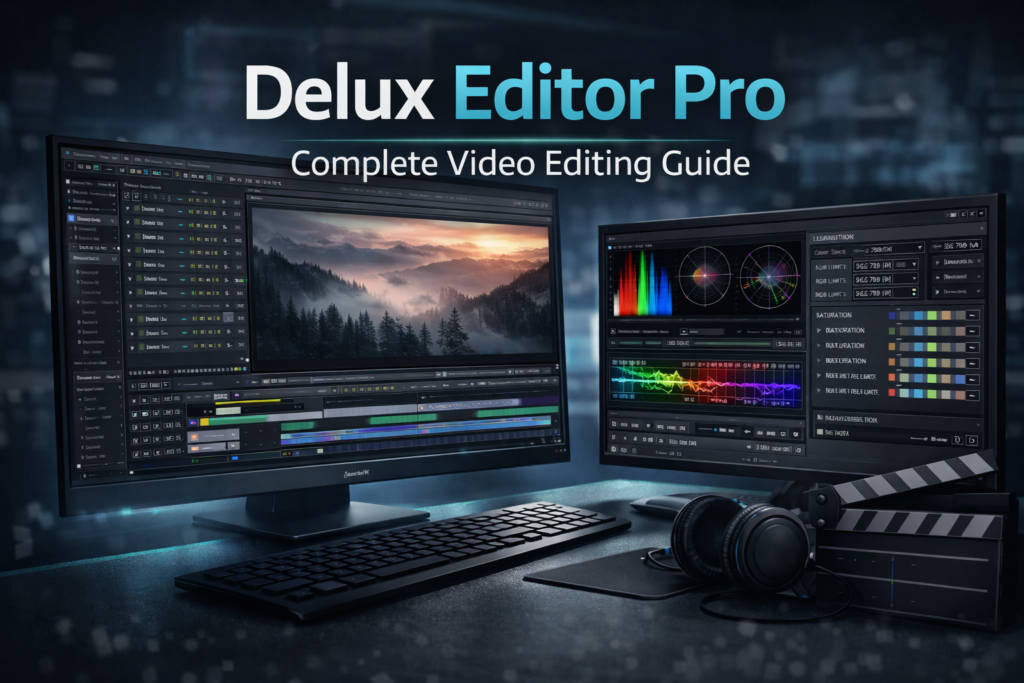

Delux Editor Pro: Complete Guide for Professional Video Editing
Introduction
Video editing has evolved rapidly over the past few years. Today, creators expect speed, flexibility, and professional-quality results from a single editing platform. Delux Editor Pro is designed to meet those expectations by combining advanced editing tools with a smooth and efficient workflow.
Whether you’re a content creator, filmmaker, freelancer, or business marketer, choosing the right video editing software can significantly impact your productivity and the quality of your final videos. Delux Editor Pro bridges the gap between beginner-friendly editors and high-end professional software. As a result, users can create polished videos without dealing with unnecessary complexity.
In this guide, you’ll discover what Delux Editor Pro offers, how it performs in real-world projects, its key features, and whether it’s the right solution for your editing workflow.
What Is Delux Editor Pro?
Delux Editor Pro is a professional video editing software designed for creators who need powerful editing capabilities without sacrificing ease of use. It supports high-quality video editing, advanced visual effects, transitions, color correction, and multi-track timeline editing.
Unlike many entry-level editors, Delux Editor Pro focuses on both performance and creative flexibility. Consequently, it is suitable for intermediate editors who want to grow as well as professionals who need dependable editing software for daily production.
Why Delux Editor Pro Is Becoming Popular
Many editors struggle with slow rendering, limited editing features, or confusing interfaces. Fortunately, Delux Editor Pro addresses these challenges by offering an intuitive workspace combined with professional-grade tools.
Some of the biggest reasons editors choose Delux Editor Pro include:
- Clean and user-friendly interface
- Professional editing features
- Fast rendering performance
- Support for modern video formats
- Scalable workflow for small and large projects
- Reliable editing performance
Moreover, the software strikes an excellent balance between simplicity and creative control. Therefore, users spend less time learning the interface and more time creating great content.
Key Features of Delux Editor Pro
Delux Editor Pro includes a comprehensive collection of tools built for modern video production.
Multi-Track Timeline Editing
The software offers a flexible timeline that supports multiple video, audio, and graphics tracks.
Features include:
- Multi-track editing
- Precision trimming
- Ripple editing
- Drag-and-drop workflow
- Keyboard shortcuts
- Timeline snapping
As a result, editors can organize even complex projects with greater efficiency.
Professional Visual Effects and Transitions
High-quality visual effects can transform ordinary footage into engaging content. Therefore, Delux Editor Pro includes numerous built-in effects and customizable transitions.
Editors can apply:
- Smooth cinematic transitions
- Motion effects
- Opacity adjustments
- Layer-based visual effects
- Real-time previews
Furthermore, every effect can be fine-tuned to match the style of your project.
Advanced Color Correction and Color Grading
Color plays a major role in professional video production. Accordingly, Delux Editor Pro includes both basic and advanced color tools.
These include:
- Exposure adjustment
- White balance correction
- Contrast and saturation controls
- Shadow and highlight recovery
- LUT support
- Color matching between clips
Consequently, maintaining consistent color throughout an entire project becomes much easier.
High-Quality Audio Editing
Audio quality is just as important as video quality. Therefore, Delux Editor Pro also provides tools for improving sound.
Editors can:
- Adjust audio levels
- Reduce background noise
- Apply fade effects
- Synchronize audio tracks
- Mix multiple audio sources
As a result, videos sound as professional as they look.
Delux Editor Pro for Different Users
One of the software’s biggest strengths is its flexibility. Because of its versatile feature set, it adapts well to different editing requirements.
Content Creators and YouTubers
YouTube creators often need to publish content quickly while maintaining professional quality.
Delux Editor Pro helps by offering:
- Fast editing workflows
- Built-in effects
- Quick transitions
- High-quality exports
Therefore, creators can publish videos more consistently.
Freelance Video Editors
Freelancers frequently manage multiple client projects with strict deadlines.
Delux Editor Pro supports freelance workflows through:
- Organized timelines
- Reliable rendering
- Flexible editing tools
- Professional export options
Consequently, editors can complete projects faster while maintaining consistent quality.
Businesses and Marketing Teams
Marketing teams create promotional videos, advertisements, product demonstrations, and social media content on a regular basis.
Delux Editor Pro simplifies these tasks by providing:
- Brand-consistent editing
- Professional visual effects
- Efficient project management
- Fast export capabilities
As a result, businesses can produce marketing content more efficiently.
Delux Editor Pro vs Basic Video Editors
Choosing between professional software and basic editors depends on your production needs.
| Feature | Delux Editor Pro | Basic Video Editors |
|---|---|---|
| Editing Precision | Excellent | Limited |
| Multi-Track Timeline | Yes | Basic |
| Color Grading | Advanced | Basic |
| Effects & Transitions | Professional | Limited |
| Performance | Optimized | Moderate |
| Large Project Support | Excellent | Limited |
| Professional Output | Yes | Sometimes |
Clearly, Delux Editor Pro provides significantly more control for professional editing projects.
Real-World Example: Corporate Promotional Video
Imagine a marketing agency producing a corporate promotional video.
Without Delux Editor Pro:
- Multiple editing applications may be required.
- Rendering can take longer.
- Color consistency becomes difficult.
- Project management becomes more complicated.
However, with Delux Editor Pro:
- Everything is completed within one editing environment.
- Real-time previews speed up revisions.
- Color grading remains consistent.
- Rendering finishes much faster.
As a result, the entire production workflow becomes more efficient while reducing delivery time.
Performance and System Efficiency
Performance is critical for professional editors, especially when working with high-resolution footage.
Delux Editor Pro is optimized for:
- Fast rendering
- Smooth timeline playback
- Efficient memory usage
- Stable long editing sessions
- High-resolution video editing
- Multi-layer projects
Furthermore, the optimized rendering engine minimizes crashes and delays, allowing editors to work more confidently.
Delux Editor Pro Pricing and Value
Pricing is another area where Delux Editor Pro stands out.
Depending on the version, users may have access to:
- One-time purchase options
- Flexible licensing plans
- Professional features without expensive add-ons
Therefore, the software delivers excellent value for professionals and growing creators alike.
Pros and Cons of Delux Editor Pro
Pros
- Professional editing features
- Clean and intuitive interface
- Fast rendering performance
- Stable workflow
- Excellent color correction tools
- Suitable for commercial projects
Cons
- Smaller plugin ecosystem than some competitors
- Advanced tools require some practice
Nevertheless, most editors find that the benefits greatly outweigh these minor limitations.
Tips for Getting the Best Results with Delux Editor Pro
To improve both speed and editing quality, follow these best practices:
- Organize your footage before importing it.
- Use keyboard shortcuts whenever possible.
- Save custom presets for repeated tasks.
- Apply consistent color grading across your timeline.
- Preview transitions before exporting.
- Keep your software updated.
- Back up projects regularly.
Additionally, creating reusable templates can further speed up future projects.
Who Should Use Delux Editor Pro?
Delux Editor Pro is an excellent choice for:
- Professional video editors
- YouTube creators
- Wedding filmmakers
- Corporate video producers
- Marketing teams
- Freelance editors
- Social media content creators
Whether you produce short-form videos or full-length productions, the software provides the tools needed for professional results.
Frequently Asked Questions
What is Delux Editor Pro used for?
Delux Editor Pro is professional video editing software used for editing, color grading, visual effects, audio enhancement, and exporting high-quality videos.
Is Delux Editor Pro beginner-friendly?
Yes. The interface is easy to understand, while advanced tools allow users to grow their editing skills over time.
Does Delux Editor Pro support high-resolution videos?
Yes. It supports HD, Full HD, 4K, and other modern video formats.
Can I use Delux Editor Pro for commercial projects?
Absolutely. It is suitable for client work, business videos, marketing campaigns, documentaries, and professional productions.
Does Delux Editor Pro require a powerful computer?
It performs well on mid-range systems. However, higher-end hardware delivers smoother playback and faster rendering for complex projects.
Final Thoughts
Delux Editor Pro combines professional editing capabilities with an intuitive workflow, making it an excellent choice for creators who want both power and simplicity. In addition to offering advanced editing tools, it provides reliable performance, fast rendering, high-quality color correction, and efficient timeline management.
Whether you’re creating YouTube videos, wedding films, promotional content, or corporate productions, Delux Editor Pro helps you work faster while maintaining professional standards. Ultimately, if you’re looking for dependable video editing software that balances performance, usability, and creative flexibility, Delux Editor Pro is well worth considering.