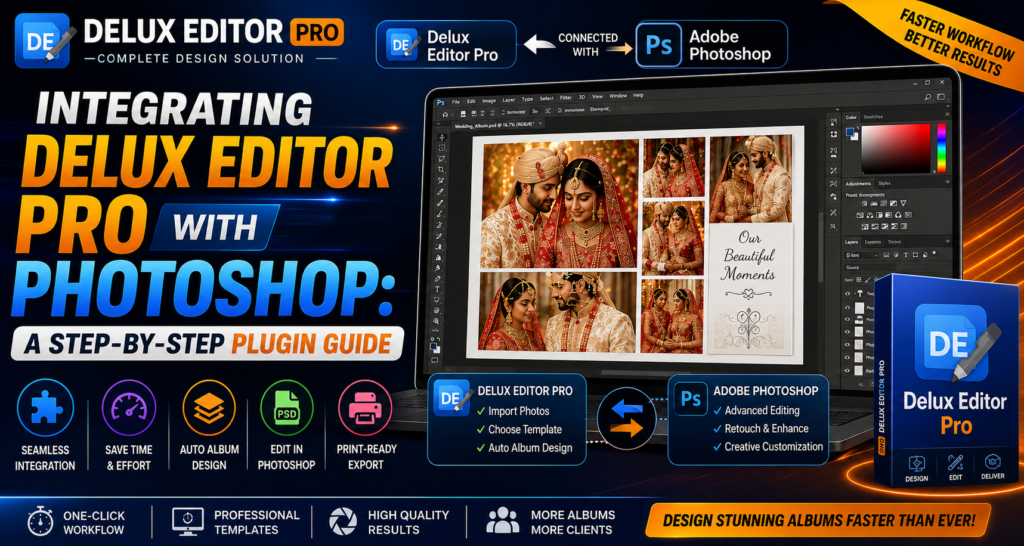

If you want to create professional wedding albums quickly, the Delux Editor Pro Photoshop Plugin can make your workflow much faster. Instead of switching between multiple tools, you can connect Delux Editor Pro with Adobe Photoshop and start designing albums in just a few clicks. As a result, photographers and album designers can save time while maintaining high-quality results.
In this guide, you’ll learn how to install the plugin, connect it with Photoshop, and use it efficiently.
[Image placeholder: hero screenshot of the plugin panel inside Photoshop]
Why Integrate Delux Editor Pro with Photoshop?
Photoshop offers advanced editing tools, while Delux Editor Pro automates album creation. Therefore, combining both applications gives you the best of automation and creative control.
Benefits include:
- Faster album designing
- One-click PSD export
- Automatic photo placement
- Easy template customization
- Professional print-ready output
- Improved productivity
System Requirements for the Plugin
Before installing this plugin, ensure your computer meets these requirements (see Adobe’s official Photoshop system requirements for full Photoshop specs):
- Windows 10 or Windows 11
- Adobe Photoshop (supported version)
- Delux Editor Pro installed
- Minimum 8 GB RAM (16 GB recommended)
- SSD storage for better performance
Step 1: Install Delux Editor Pro
First, download and install Delux Editor Pro from the official Delux Editor Pro download page.
During installation:
- Complete the setup wizard.
- Activate your license.
- Restart your computer if required.
Step 2: Install Adobe Photoshop
Next, install Adobe Photoshop if it is not already available. Make sure Photoshop opens correctly before connecting the plugin.
Step 3: Enable the Delux Editor Pro Photoshop Plugin
Open Delux Editor Pro. Then:
- Open Settings.
- Select Photoshop Integration.
- Click Enable Plugin.
- Locate your Photoshop installation folder.
- Save the settings.
Now Delux Editor Pro is ready to communicate with Photoshop.
[Image placeholder: screenshot of the Settings → Photoshop Integration screen]
Step 4: Start Designing Your Album
Create a new project. Next:
- Import wedding photos.
- Select your preferred PSD template.
- Click Auto Album Design.
- Review the generated layout.
- Make adjustments if necessary.
Finally, send the design directly to Photoshop for advanced editing.
Step 5: Edit Inside Photoshop
Once the album opens in Photoshop, you can:
- Adjust colors
- Retouch portraits
- Replace backgrounds
- Add text
- Apply filters
- Insert creative effects
- Fine-tune every page
After editing, save the PSD file.
[Image placeholder: before/after example of an album spread edited in Photoshop]
Step 6: Export Your Print-Ready Album
Return to Delux Editor Pro. Then export your project as:
- PSD
- JPEG
- PNG
Finally, generate a 300 DPI print-ready album for professional printing.
Main Features of This Photoshop Plugin
The Delux Editor Pro Photoshop Plugin includes:
- One-click Photoshop integration
- Smart album automation
- Premium PSD templates
- AI-assisted layout generation
- Fast export options
- Print-ready designs
- Easy customization
- High-resolution output
See our related guide on choosing the right wedding album template for template selection tips.
Tips for Better Results
For the best performance:
- Keep Photoshop updated.
- Use high-resolution photos.
- Organize images before importing.
- Save projects regularly.
- Update the plugin whenever a new version is available.
Also check out our full list of Photoshop plugins for photographers for more workflow tools.
Conclusion
This plugin helps photographers and album designers build professional wedding albums much faster. Moreover, it combines Photoshop’s editing power with Delux Editor Pro’s automation features. As a result, you can design beautiful albums in minutes while maintaining complete creative control.