
Introduction
Wedding photography has evolved significantly over the years, and today, clients expect beautifully designed albums that tell the complete story of their special day. A professionally designed wedding album not only preserves precious memories but also enhances the overall client experience. Therefore, choosing the best wedding album design software in India is essential for photographers, designers, and photo studios.
Whether you are a beginner or an experienced wedding album designer, the right software can help you create premium layouts, improve productivity, and deliver projects faster. Moreover, modern album design applications offer advanced templates, drag-and-drop tools, AI-powered features, and seamless export options. As a result, designers can complete projects more efficiently while maintaining exceptional quality.
In this guide, we’ll explore the best wedding album design software in India, compare their features, advantages, pricing, and ideal use cases. Ultimately, this comparison will help you choose the software that best matches your workflow and business needs.
Why Wedding Album Design Software Matters
Designing an album manually can be time-consuming, especially when working with hundreds or even thousands of wedding photos. However, dedicated wedding album design software simplifies the entire process by providing ready-made templates, automatic photo alignment, customizable layouts, and professional printing support.
Furthermore, these tools reduce repetitive tasks and improve design consistency. As a result, photographers spend less time arranging photos and more time serving clients or capturing memorable moments.
Some major benefits include:
- Faster album creation
- Professional layouts
- Easy customization
- High-resolution exports
- Print-ready designs
- Improved client satisfaction
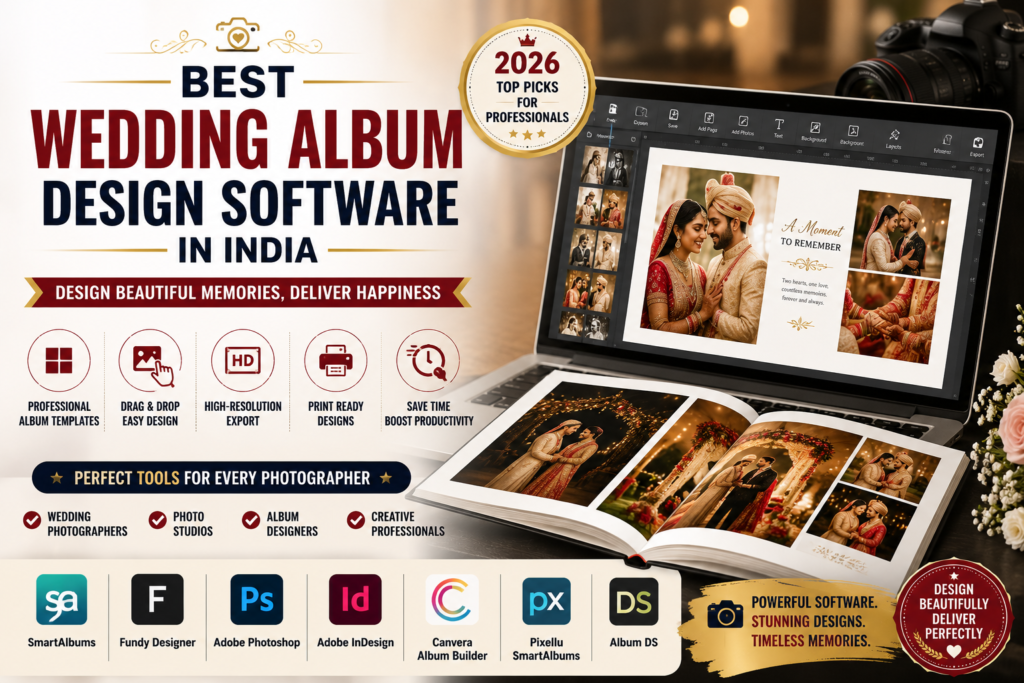
1. SmartAlbums
SmartAlbums is one of the most popular wedding album design software solutions used by photographers around the world. In addition, its drag-and-drop interface automatically creates elegant layouts, making album creation much faster.
Key Features
- Drag-and-drop album creation
- Auto-layout technology
- Custom templates
- Multi-page editing
- High-resolution export
- Print lab compatibility
Best For
- Wedding photographers
- Portrait studios
- Professional album designers
Pros
- Easy to learn
- Fast workflow
- Professional templates
- Excellent print quality
Cons
- Premium pricing
- Limited image editing tools
Overall, SmartAlbums is an excellent choice for professionals who value speed and simplicity.
2. Fundy Designer
Fundy Designer is another industry-leading software that combines album design, wall art creation, slideshows, and client proofing in one platform. Furthermore, its AI-powered automation significantly reduces manual work.
Key Features
- AI-assisted album design
- Auto photo selection
- Wall art designer
- Slideshow creator
- Client proofing tools
Best For
- Professional photographers
- Wedding studios
- High-volume businesses
Pros
- Extremely fast workflow
- AI-powered automation
- Professional output
- Multiple design tools
Cons
- Higher learning curve
- Premium subscription
Therefore, Fundy Designer is ideal for photographers handling multiple projects every week.
3. Adobe Photoshop
Adobe Photoshop remains one of the most powerful applications for custom wedding album design. Although it requires more manual work, it offers complete creative freedom. Consequently, professional designers can create highly personalized album layouts.
Key Features
- Unlimited customization
- Layer-based editing
- Professional retouching
- Smart Objects
- Advanced typography
Best For
- Graphic designers
- Professional album designers
- Creative studios
Pros
- Complete design control
- Advanced editing tools
- Industry standard
- Extensive plugin support
Cons
- Steeper learning curve
- Time-consuming workflow
Nevertheless, Photoshop remains one of the most trusted tools for premium album design.
4. Adobe InDesign
Adobe InDesign is widely used for designing books, magazines, and wedding albums. Moreover, it provides excellent control over page layouts and typography.
Key Features
- Professional page layouts
- Master pages
- Typography tools
- Print-ready export
- Template support
Best For
- Album printing companies
- Professional designers
- Publishing workflows
Pros
- Excellent page management
- High-quality printing
- Professional layout tools
Cons
- Adobe subscription required
- Limited photo editing
As a result, InDesign is a preferred choice for professionals creating premium multi-page albums.
5. Canvera Album Builder
Canvera Album Builder is one of India’s most popular wedding album design solutions. In particular, it is designed specifically for Indian wedding photographers and integrates seamlessly with Canvera’s printing services.
Key Features
- Ready-made templates
- Indian wedding themes
- Fast album creation
- Print integration
- Easy customization
Pros
- Beginner friendly
- Local customer support
- Beautiful templates
Cons
- Less customization than Photoshop
Therefore, Canvera is an excellent option for photographers who want a quick and efficient workflow.
6. Pixellu SmartAlbums
Pixellu SmartAlbums helps photographers create albums quickly using intelligent layouts and customizable templates. Additionally, it supports both Windows and macOS, making it suitable for a wide range of users.
Pros
- Fast workflow
- User-friendly interface
- Professional quality
Cons
- Paid software
Overall, Pixellu SmartAlbums is an outstanding solution for photographers who want to save time without sacrificing quality.
7. Album DS
Album DS is a Photoshop plugin that simplifies wedding album creation while retaining Photoshop’s powerful editing capabilities. Furthermore, it includes thousands of templates that speed up the design process.
Pros
- Huge template library
- Powerful customization
- Photoshop integration
Cons
- Photoshop required
Consequently, Album DS is highly recommended for designers who already work extensively in Photoshop.
Features to Look For
Before selecting software, consider the following features:
- Drag-and-drop interface
- Auto-layout functionality
- Ready-made templates
- High-resolution export
- Print lab compatibility
- AI-assisted design
- Background customization
- Multi-page support
Moreover, choosing software with these features can significantly improve productivity while reducing design time.
Which Software Is Best for Beginners?
If you’re just starting, choose software with an intuitive interface and ready-made templates. For example, SmartAlbums, Canvera Album Builder, and Pixellu SmartAlbums are excellent choices for beginners.
As a result, new designers can create professional wedding albums without needing advanced graphic design skills.
Which Software Is Best for Professionals?
Professional designers usually require greater flexibility and advanced editing tools. Therefore, Adobe Photoshop, Album DS, Fundy Designer, and Adobe InDesign are highly recommended.
Furthermore, these applications allow complete customization, making them ideal for premium wedding album projects.
Tips for Designing Stunning Wedding Albums
To create memorable wedding albums:
- Select only the best photographs.
- Maintain a consistent color palette.
- Use elegant layouts.
- Avoid overcrowding pages.
- Highlight emotional moments.
- Include full-page hero images.
- Balance wide and close-up shots.
- Use readable fonts.
- Leave enough white space.
- Export in high resolution.
By following these practices, you’ll create albums that not only look professional but also leave a lasting impression on your clients.
Frequently Asked Questions
Which is the best wedding album design software in India?
SmartAlbums, Fundy Designer, Adobe Photoshop, Canvera Album Builder, and Album DS are among the best choices. However, the ideal software depends on your budget and workflow.
Is Photoshop good for wedding album design?
Yes. In fact, Photoshop offers complete creative freedom and remains the industry standard for professional designers.
Which software is easiest for beginners?
SmartAlbums and Canvera Album Builder are beginner-friendly. Additionally, both include ready-made templates that make album creation much easier.
Can I design albums without Photoshop?
Yes. For example, SmartAlbums, Fundy Designer, and Canvera Album Builder allow users to create professional wedding albums without Photoshop.
Final Thoughts
Choosing the best wedding album design software in India depends on your experience, workflow, and business goals. If you prioritize speed and simplicity, SmartAlbums and Canvera Album Builder are excellent choices. On the other hand, if you need complete creative control, Adobe Photoshop and Album DS remain industry favorites.
Furthermore, investing in the right software can significantly improve productivity, reduce editing time, and deliver higher-quality albums. Ultimately, the best software is the one that fits your workflow, budget, and creative style. Therefore, evaluate your long-term requirements carefully before making a decision, as the right tool can help you create beautiful, print-ready wedding albums that your clients will cherish for years.