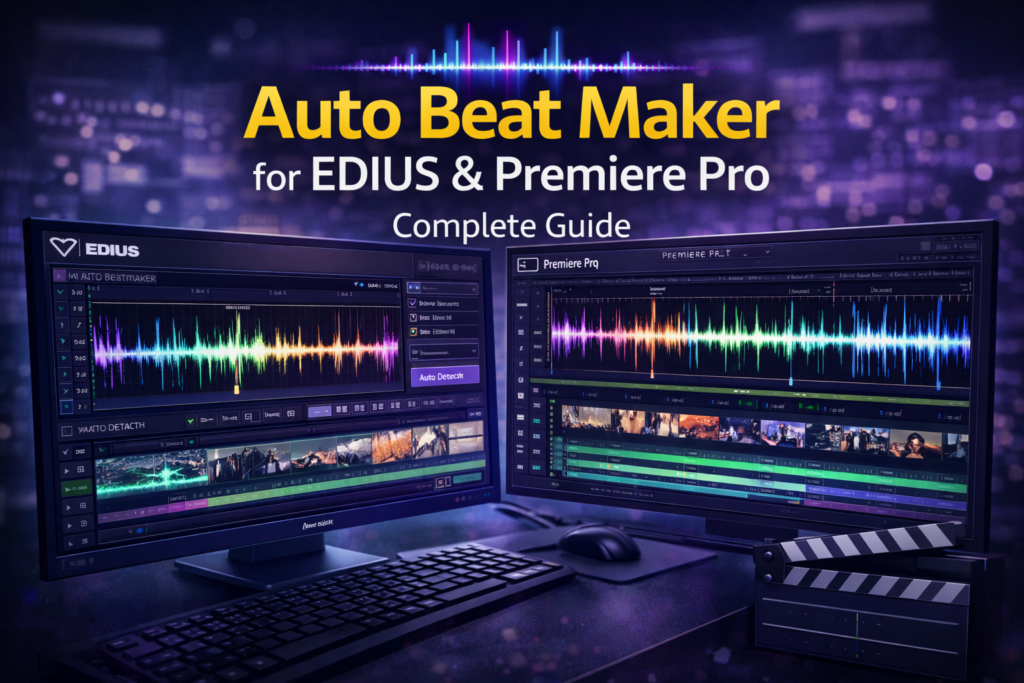

Auto Beat Maker for EDIUS & Premiere Pro: Complete Guide
Creating videos that perfectly match music beats is no longer a luxury. It is now an expectation. Whether you edit wedding films, music videos, or YouTube reels, timing matters. This is where Auto Beat Maker for EDIUS & Premiere Pro becomes essential.
Manually syncing cuts to beats takes time and precision. Moreover, it often leads to inconsistent results. An auto beat maker simplifies this process by detecting beats automatically and aligning your clips with music rhythm.
In this guide, we will explore how Auto Beat Maker for EDIUS & Premiere Pro works, why editors rely on it, and how it improves both workflow and creativity.
What Is Auto Beat Maker for EDIUS & Premiere Pro?
An Auto Beat Maker is a plugin or tool that analyzes audio tracks and detects beats, peaks, or rhythm points. It then places markers or automatically syncs video cuts to those beats.
When used in EDIUS or Adobe Premiere Pro, it helps editors:
- Sync visuals with music instantly
- Create professional rhythm-based edits
- Save hours of manual work
Therefore, it is widely used in music-driven content creation.
Why Beat Sync Matters in Video Editing
Beat sync is not just about style. It affects viewer engagement and emotional impact.
Benefits of Beat-Synced Videos
- Keeps viewers engaged longer
- Feels professional and polished
- Enhances storytelling
- Improves pacing and flow
However, achieving this manually is challenging, especially in long timelines. This is why an auto beat sync plugin becomes valuable.
How Auto Beat Maker Works in EDIUS & Premiere Pro
The working principle is simple but powerful.
Step-by-Step Process
- Import your music track
- The tool analyzes the audio waveform
- Beats and peaks are detected automatically
- Markers are placed on the timeline
- Video clips snap or cut to beats
As a result, you get accurate synchronization without guesswork.
Auto Beat Maker for EDIUS: Features and Benefits
EDIUS is known for real-time performance. Adding an auto beat maker enhances its speed even more.
Key Features for EDIUS Users
- Fast beat detection
- Timeline markers on beats
- Smooth playback with effects
- Non-destructive editing
Best Use Cases in EDIUS
- Wedding highlight videos
- Event recap videos
- Promotional reels
- Short social media clips
Moreover, EDIUS users appreciate tools that work without heavy rendering delays.
Auto Beat Maker for Premiere Pro: Features and Benefits
Premiere Pro is widely used by professionals. An auto beat maker integrates seamlessly with its advanced tools.
Key Features for Premiere Pro Users
- Accurate beat detection
- Marker-based or automatic cutting
- Compatible with transitions and effects
- Supports long music tracks
Best Use Cases in Premiere Pro
- Music videos
- YouTube intros and reels
- Commercial advertisements
- Dance and performance videos
Therefore, it becomes a core tool for rhythm-based editing.
Auto Beat Maker for EDIUS & Premiere Pro: Feature Comparison
| Feature | EDIUS | Premiere Pro |
|---|---|---|
| Beat Detection | Yes | Yes |
| Marker Placement | Yes | Yes |
| Auto Clip Sync | Limited | Advanced |
| Timeline Performance | Very Fast | High |
| Effect Compatibility | Good | Excellent |
Both platforms benefit greatly, but Premiere Pro offers deeper automation options.
Real-World Example: Wedding Highlight Video
Imagine editing a 3-minute wedding highlight.
Without Auto Beat Maker
- Manual beat listening
- Repeated timeline adjustments
- Inconsistent cut timing
- 2–3 hours extra work
With Auto Beat Maker
- Beats detected instantly
- Cuts align automatically
- Smooth transitions
- Time saved by over 60%
Therefore, editors can focus more on creativity instead of timing.
Who Should Use Auto Beat Maker?
This tool is not limited to music video creators.
Ideal Users
- Wedding videographers
- YouTubers and content creators
- Social media marketers
- Freelance video editors
- Production studios
If your content involves music, you need beat sync.
Pros and Cons of Auto Beat Maker for EDIUS & Premiere Pro
Pros
- Saves editing time
- Improves video quality
- Easy to use
- Professional results
Cons
- Requires learning basic workflow
- May need fine-tuning for complex music
However, the benefits clearly outweigh the limitations.
Tips to Get Better Results with Auto Beat Maker
To maximize output quality, follow these tips:
- Use high-quality music files
- Avoid overly compressed audio
- Adjust sensitivity settings
- Combine auto cuts with manual tweaks
Moreover, always preview the final result before export.
FAQs: Auto Beat Maker for EDIUS & Premiere Pro
What is Auto Beat Maker for EDIUS & Premiere Pro?
It is a tool that automatically syncs video cuts with music beats inside EDIUS and Premiere Pro.
Does Auto Beat Maker work with all music genres?
Yes, it works with most genres, including EDM, pop, cinematic, and hip-hop.
Is Auto Beat Maker suitable for beginners?
Yes, it is beginner-friendly and reduces the learning curve of beat-based editing.
Can I manually adjust beats after detection?
Yes, detected markers can be adjusted manually for precision.
Does it support long video projects?
Yes, it works efficiently with both short and long timelines.
Conclusion: Is Auto Beat Maker Worth It?
If you want faster editing, better rhythm, and professional results, Auto Beat Maker for EDIUS & Premiere Pro is absolutely worth it.
It removes repetitive work, enhances creativity, and delivers consistent quality. Whether you are a beginner or a professional, this tool upgrades your editing workflow instantly.
Start using an auto beat maker today and let your videos move perfectly with music